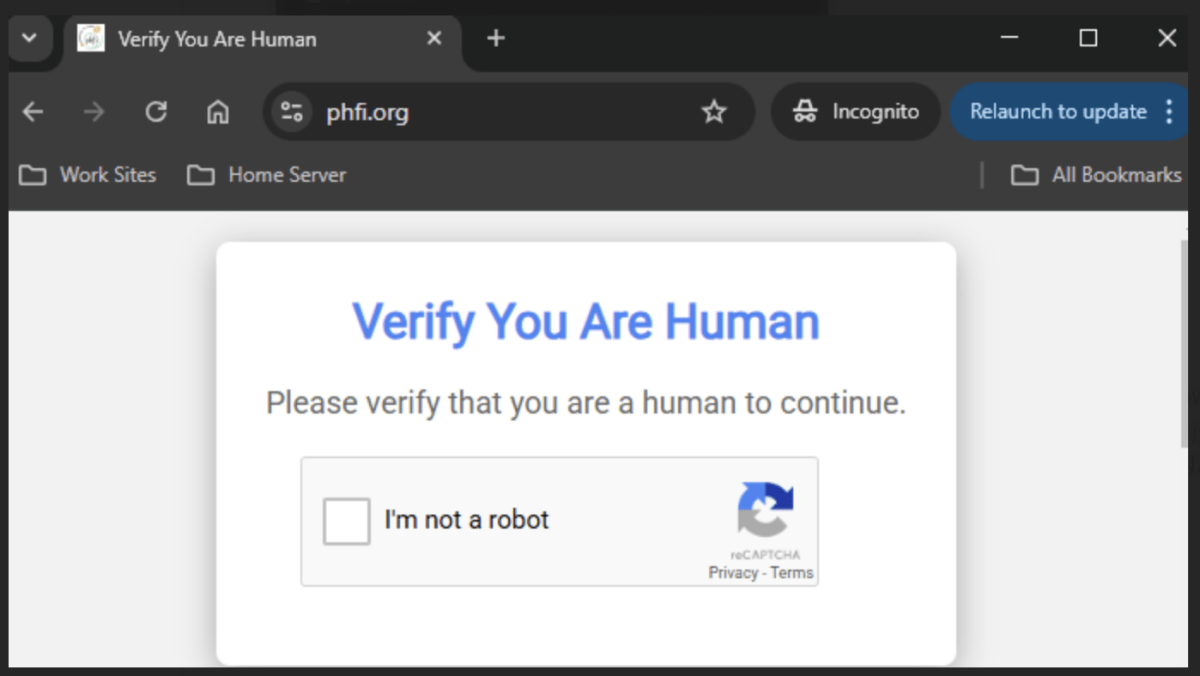
We’ve all come across those little tests online that ask us to click a box or select images to prove we’re not bots. They seem harmless, but cybercriminals have learned how to turn this familiar check into a dangerous scam. A single careless click on a fake CAPTCHA can secretly install malware on your device, putting your passwords, banking details, and personal data at serious risk.
What Exactly Is a Fake CAPTCHA Scam?
CAPTCHAs were designed to separate humans from automated bots. Normally, you might tick a box, identify images, or type out some text to continue browsing. Hackers, however, have created lookalike versions of these checks. Unlike the real ones, fake CAPTCHAs don’t just test you—they trick you.
By clicking on them or following strange instructions, you could unknowingly allow malware to slip into your computer or phone. One common type, known as information-stealing malware, has been used to collect everything from login credentials to cryptocurrency wallet information.
How the Trap Works and How to Stay Safe
Here’s how cybercriminals set the trap:
- You land on a shady site – Often one offering free downloads, pirated content, or unsafe links.
- A fake CAPTCHA appears – Instead of the usual image choices or simple checkbox, it may ask you to paste code, hit certain keys, or download a file.
- Malware installs in the background – With one click, malicious code can run undetected, giving hackers access to your sensitive files and accounts.
The danger lies in how convincing these fake CAPTCHAs look. Since we encounter them daily, many people click without a second thought.
How to protect yourself:
- Always check the website’s address carefully—real sites have clean, trusted domains with “https://”.
- Never follow odd instructions from a CAPTCHA—legitimate ones do not ask you to paste commands or install anything.
- Avoid clicking on random pop-ups or suspicious ads.
- Keep your antivirus software updated to block hidden threats.
- Use unique passwords and enable two-factor authentication to minimize damage if attackers gain access.
If you ever suspect you’ve fallen victim, disconnect from the internet, run a full antivirus scan, change all important passwords, and keep a close eye on your online accounts.