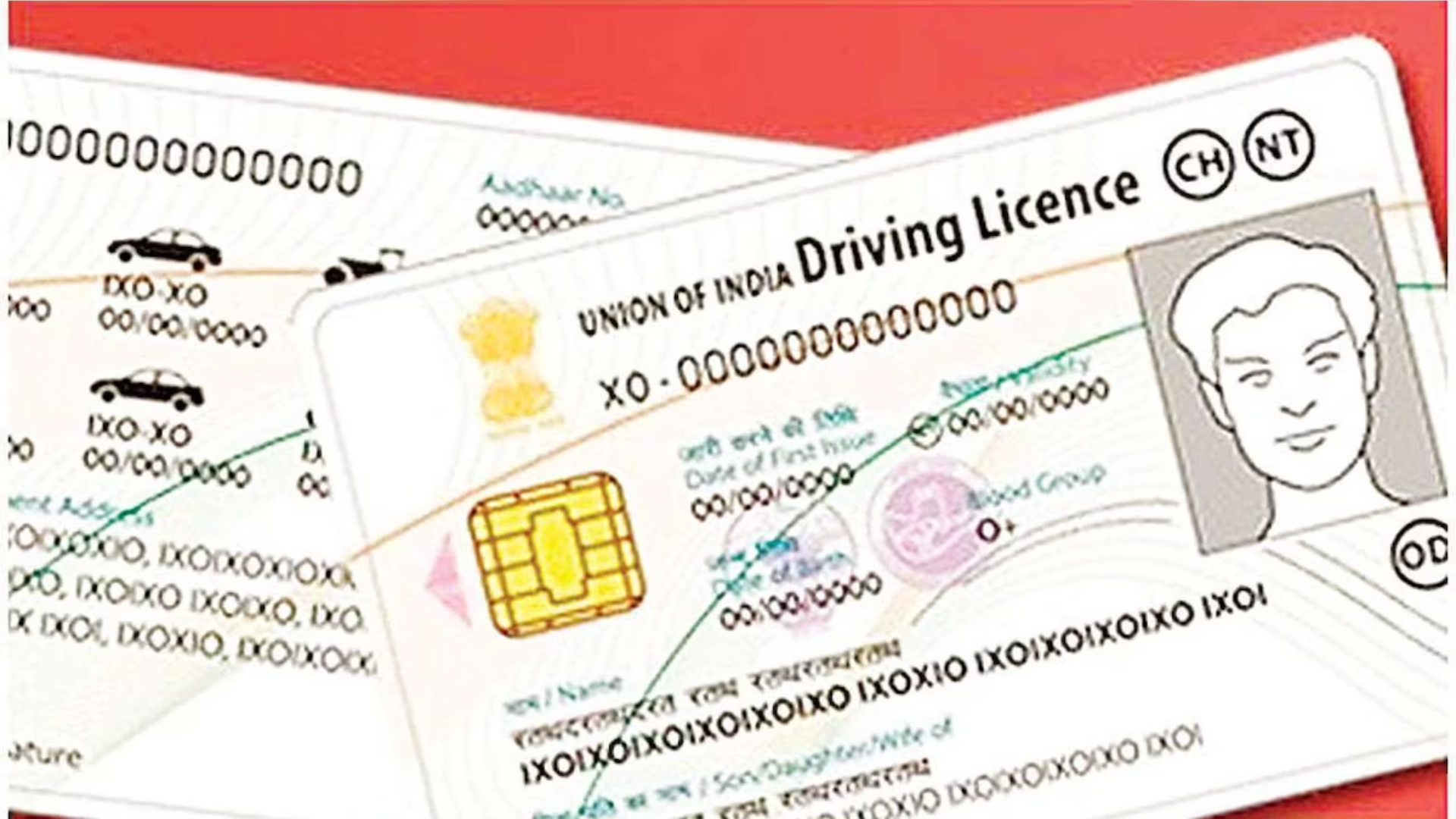
The Ministry of Road Transport and Highways (MoRTH) has made it mandatory to connect your Driving License (DL) and vehicle registration with Aadhaar and your mobile number. This simple step ensures you continue accessing essential transport services without unnecessary delays.
Why You Need to Complete the Linking
- Aadhaar-based verification is now compulsory for all registered vehicles.
- Mobile number linking guarantees timely updates—whether it’s about challans, fines, or service reminders.
- Without completing this step, tasks like license renewal, challan payments, or registration updates could face avoidable interruptions.
Step-by-Step Process to Link Aadhaar and Mobile Number
For Vehicle Registration
- Visit the official Parivahan portal (parivahan.gov.in).
- Select the option “Update Mobile Number via Aadhaar.”
- Provide your vehicle details—registration number, chassis number, and date of birth.
- Verify your mobile number using OTP sent through Aadhaar authentication.
- Once confirmed, your vehicle record will be updated with Aadhaar and mobile details.
For Driving License (DL)
- Go to the Parivahan portal and scan the SARATHI QR code.
- Enter the required details—date of birth, state, and captcha code.
- Submit the information to update your mobile number and link it with Aadhaar seamlessly.
Benefits of Linking
- Minimizes the chances of fraud or misuse of vehicle documents.
- Ensures notifications, challans, and service reminders reach the rightful owner instantly.
- Helps avoid delays in renewals, payments, or other transport-related services.
Quick Tip: Complete the linking process at the earliest to avoid missed updates or unnecessary hassles.